2× Faster & Seven New Units
The colony runs in its own thread and your graphics card draws the map, so a large colony gets through about twice as much time at 400x and the map stutters less. Seven new units: lignite and its mine, a solar tower, tracked solar, biogas and two ways to keep gas. And groups: put a wind farm or any units together, see their figures added up, and repair them all at once.
Its own thread, and your graphics card
The simulation runs in a background thread of its own, apart from the map, the cards and your clicks. The map is drawn while the colony is worked out, instead of waiting for it.
Your graphics card now draws the map, in a few large batches instead of thousands of small steps, so the map is drawn more often and stutters less.
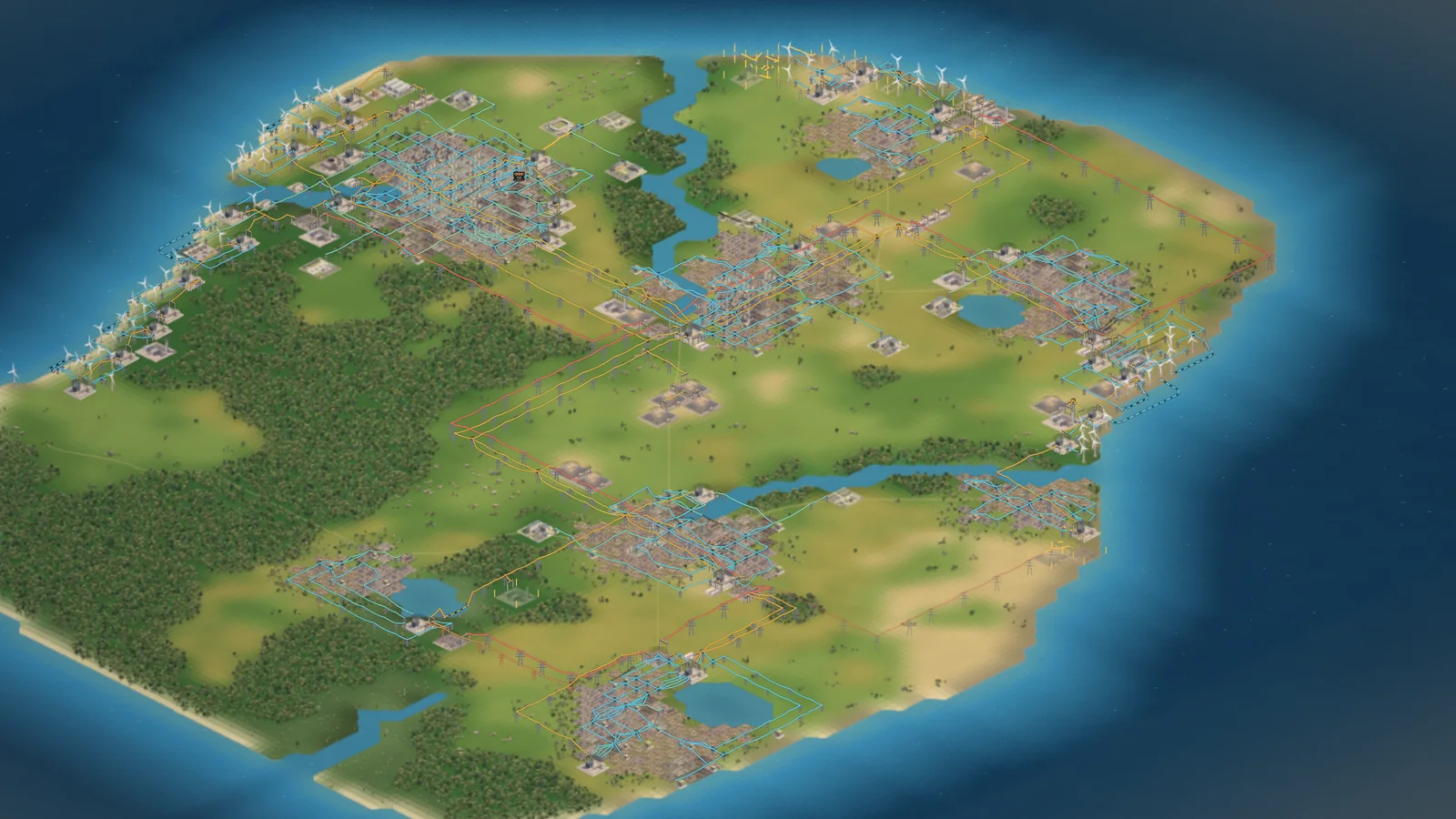
On a Year 40 colony with 8 towns, 263 buildings and 822 lines, 400x used to reach about 67x. It now reaches about 132x. A year of that colony took 4.3 minutes at 400x and now takes about 130 seconds.
- The longest pauses between frames fell from about 150 ms to 58 ms. At 1x the map is drawn about 50 times a second instead of 30.
- Menu, Renderer, Standard draws the map the way it was before. On that colony 400x reaches a little more there, about 149x, but the map is drawn less often and stutters more.
- A browser that cannot use the graphics card gets Standard by itself.
- Measured on the production build. Your computer will differ.
- The thread came out in 0.9.5-a, on 14 October. The graphics card renderer is new in 0.9.6.
Put a wind farm in one group
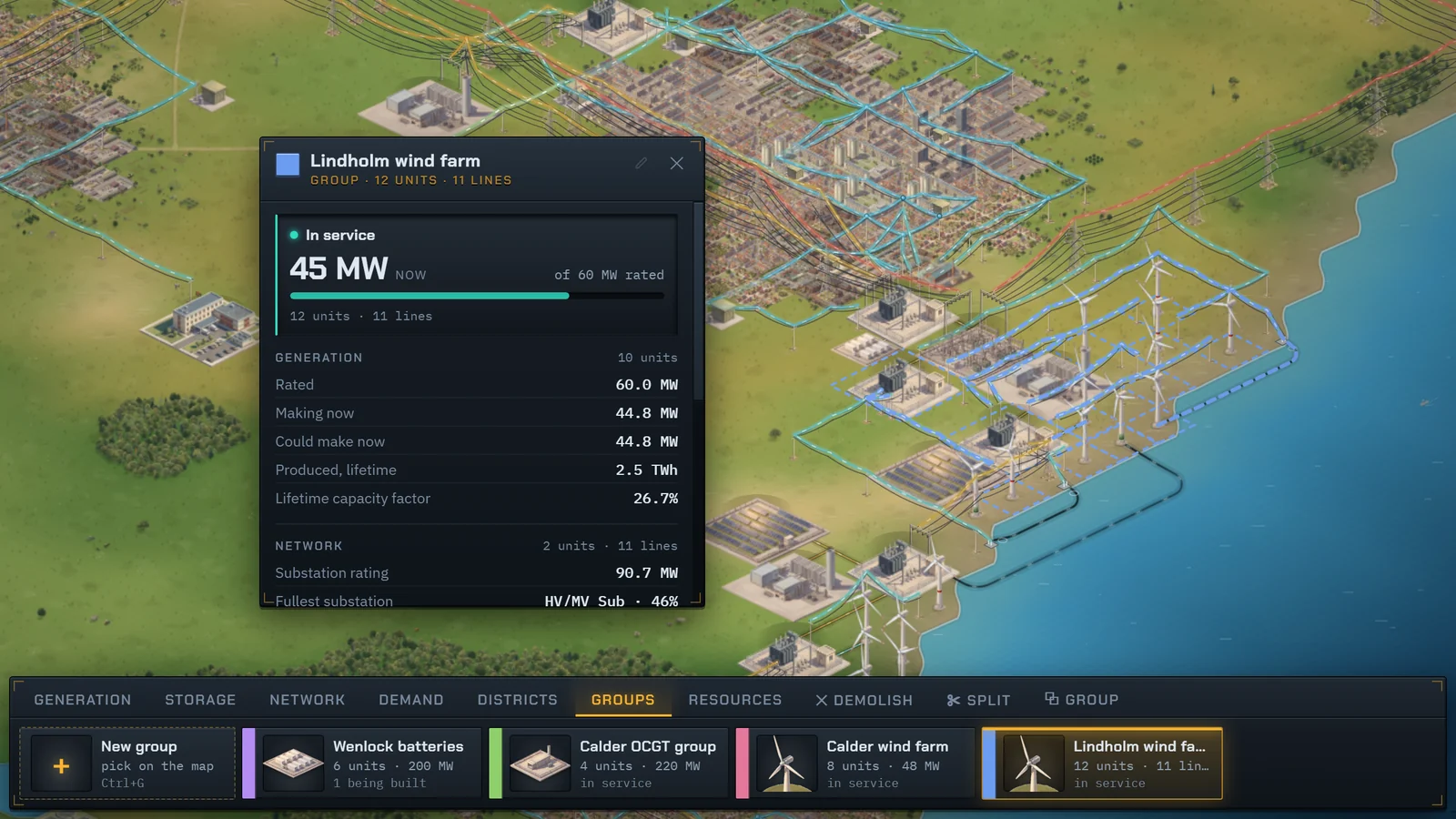
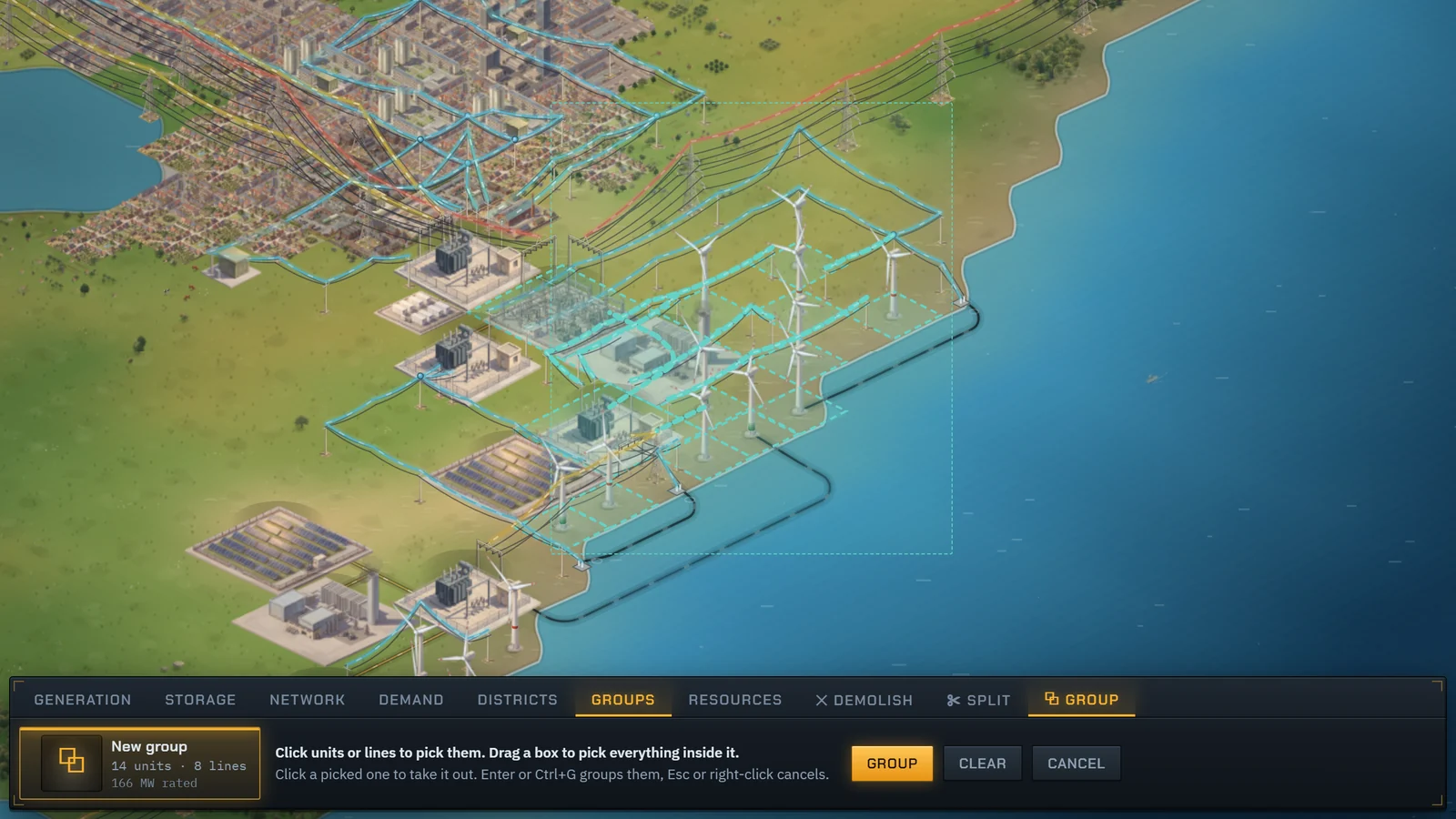
Group any units and lines: a wind farm, a row of batteries, the substations of a town. Turn on the Group tool next to Split, click them or drag a box around them, and press Group. Or select a unit and press Ctrl+G.
Click a grouped unit and the group’s card opens with the members’ figures added up: output against rating, what they could make now, storage, substations and lines, condition and lifetime margin. Click again to open the unit itself, the way grouped shapes work in a drawing program.
- The Groups tab on the build bar lists every group, each in its own colour on the map.
- Shift-click a unit to group it with the one that is open. Ctrl+Shift+G takes a group apart.
- Comes with Asset Management.
Repair a whole group at once
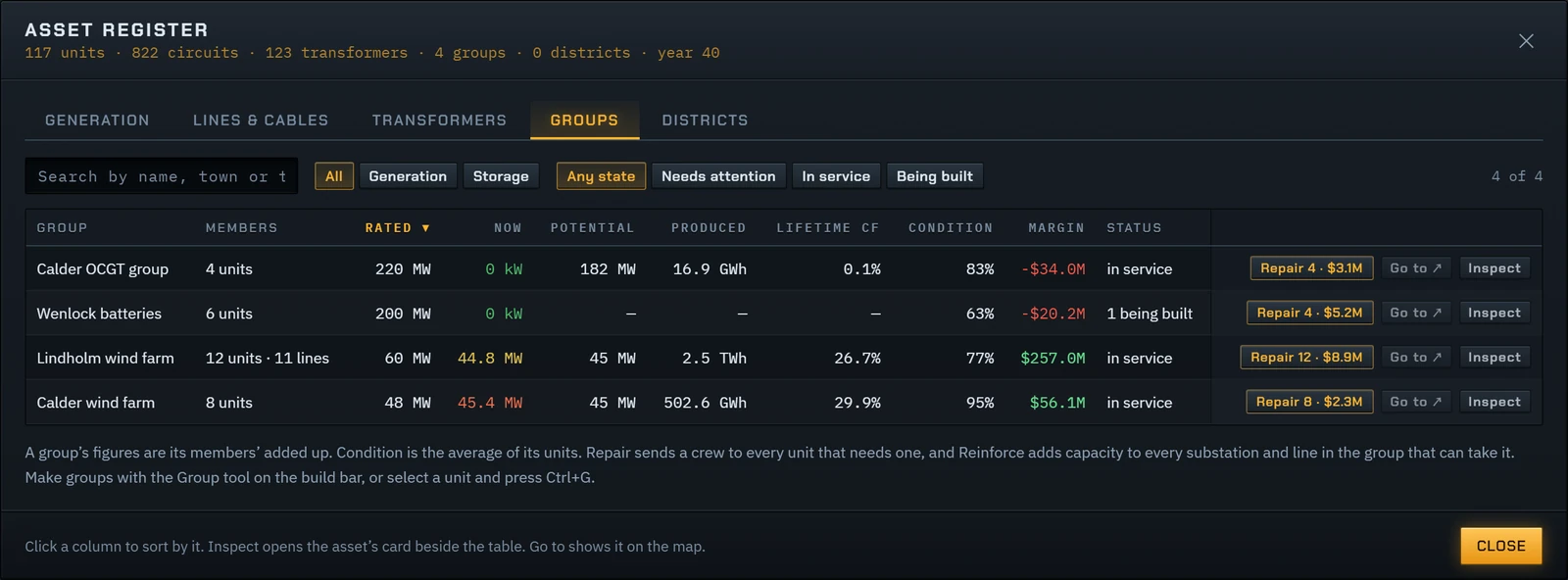
Assets has a Groups tab, one row per group with its figures added up. Repair sends a crew to every unit in the group that needs one. Reinforce adds capacity to every substation and line in it that can take it. One order and one notice for the lot.
- In the planning phase, Repair books the overhauls into the year instead, at the planned price.
Seven new units
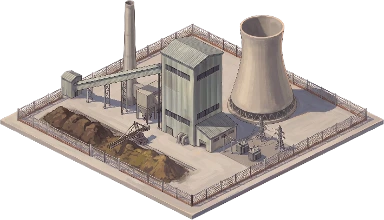
Two burn brown coal, two use the sun in new ways, and three make or keep gas. Each is painted like the rest of the map.
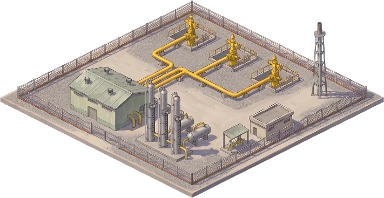
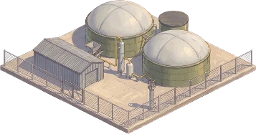
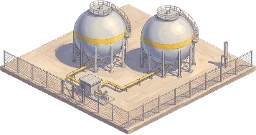
A mine that digs its own pit
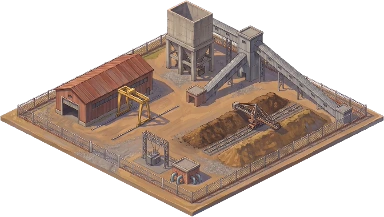
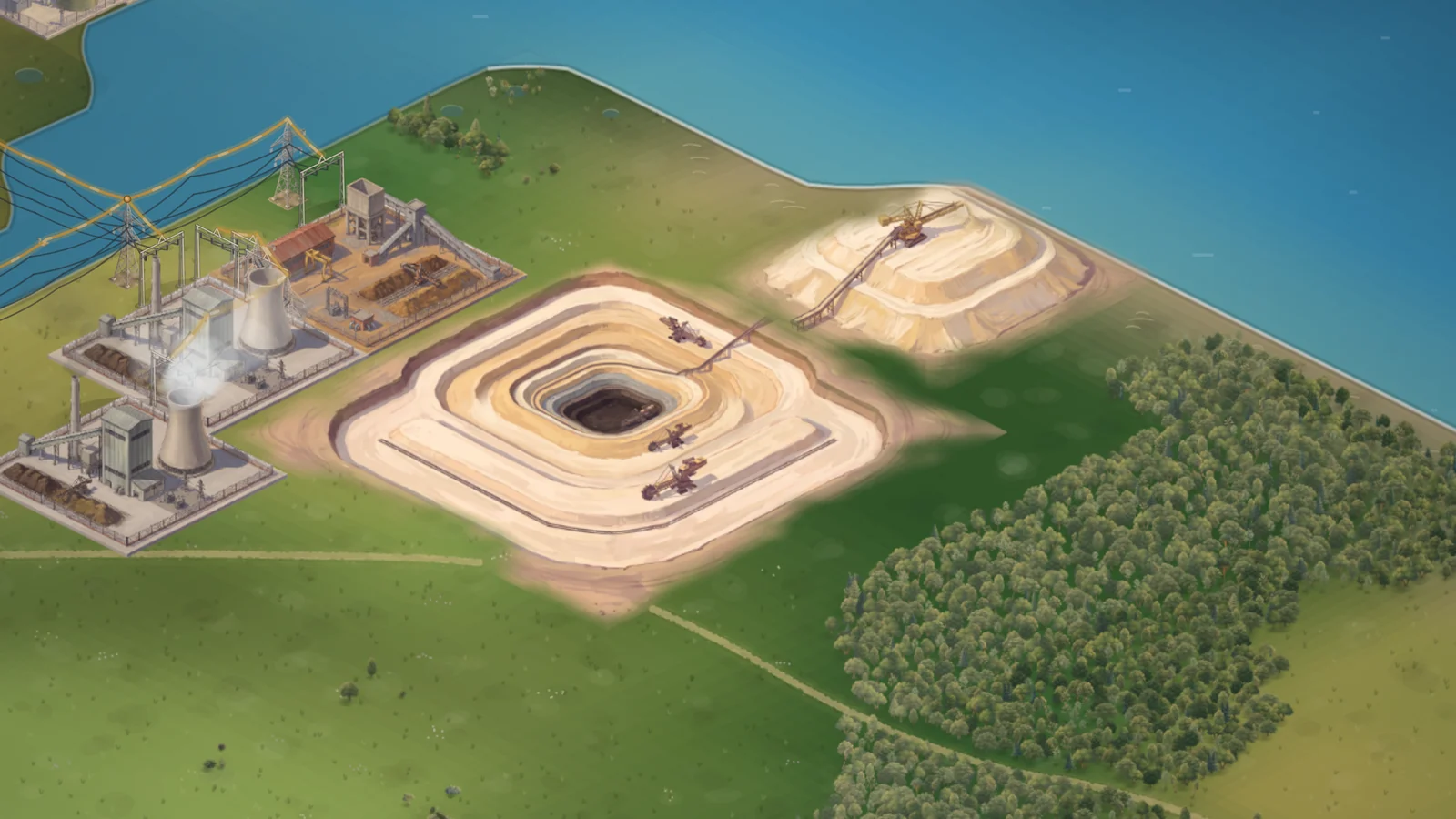
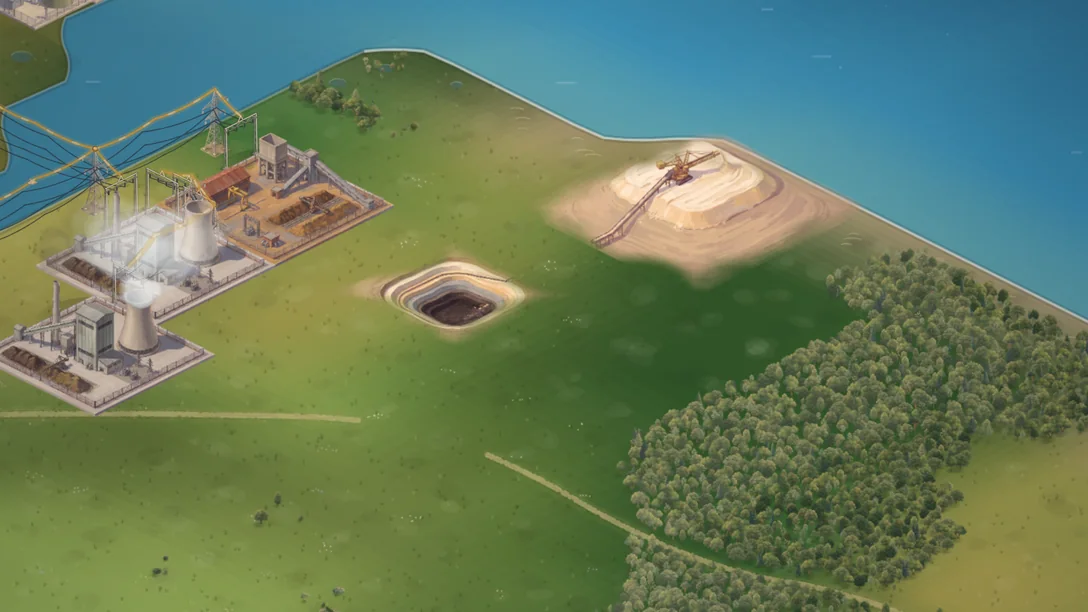
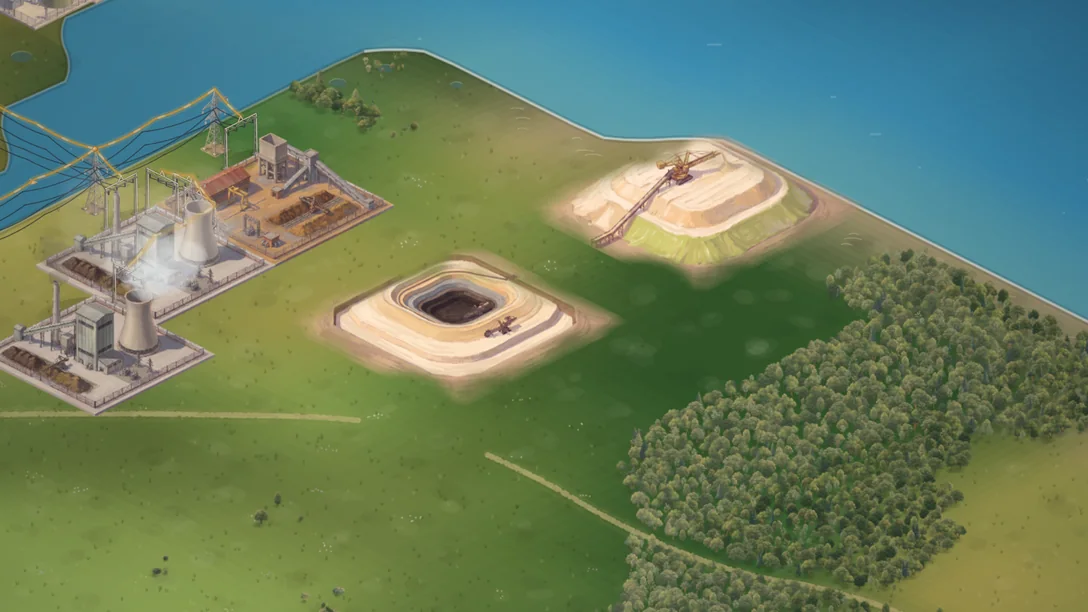
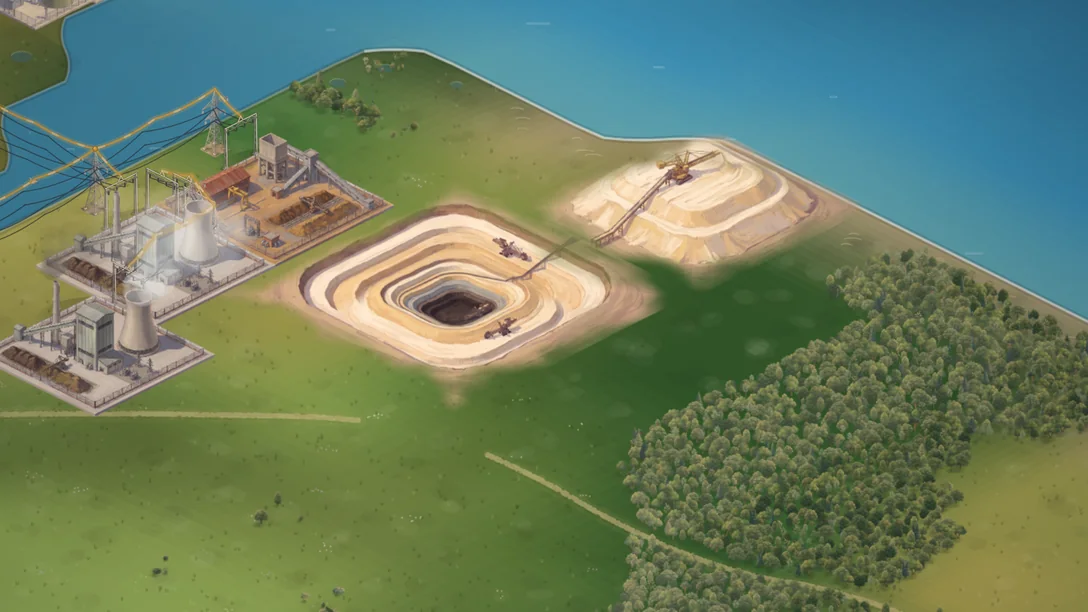
A Lignite Mine digs brown coal for every Lignite Power Station within 12 km: 1.2 million tonnes a year, enough for two plants at full output. The fuel costs almost nothing, but every MWh emits about 1.3 tonnes of CO₂, more than any other plant.
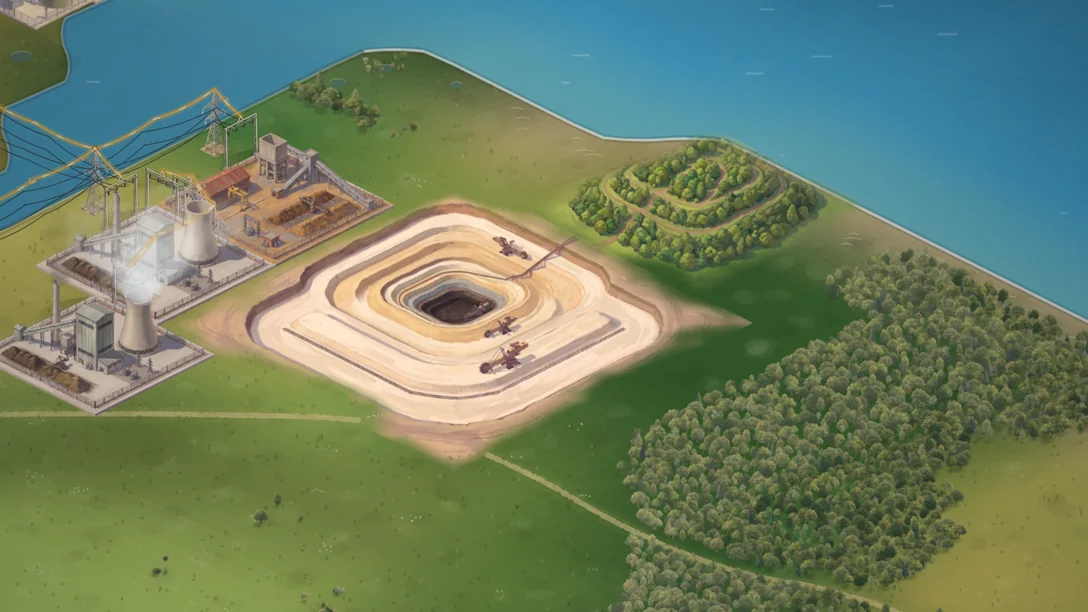
Build the mine beside a lignite seam. It stakes out 5 by 5 tiles for its pit and 3 by 3 for its spoil heap. The pit widens in four stages as the coal is won. Once it is fully open the heap is planted, and years later it is forest.
- The mine has its own tab, Resources, last on the build bar.
- The Resources map layer shows the seams, the pits and the heaps.
- Its excavators run on electricity, so the mine needs a line.
Sun after dark
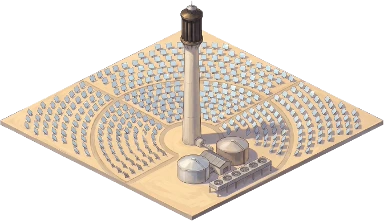
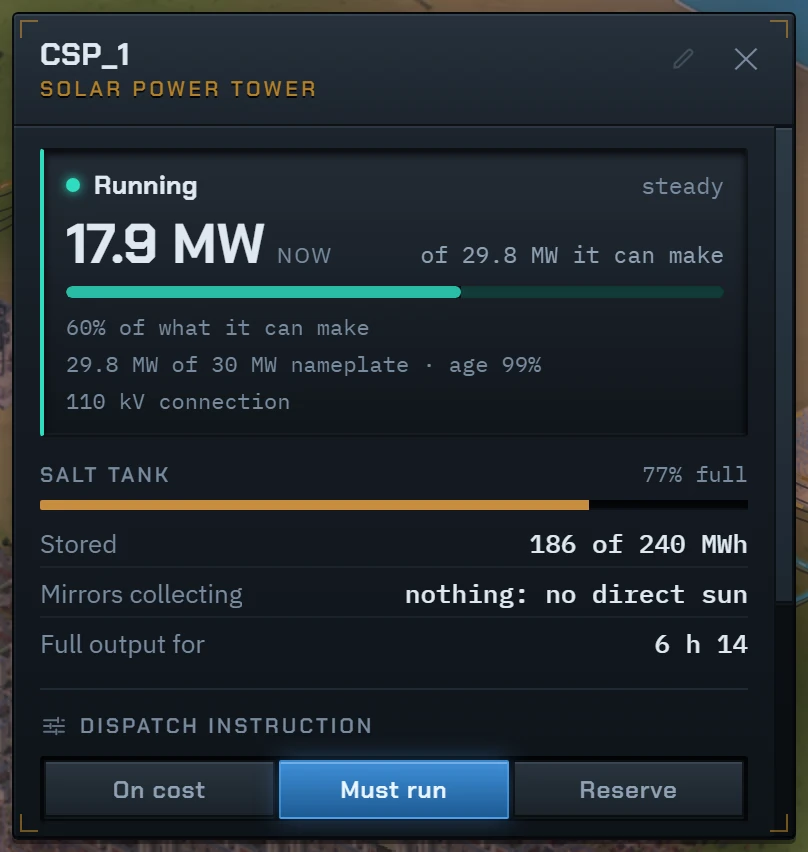
The Solar Power Tower focuses sunlight on a tower and heats molten salt, which drives a steam turbine. The hot salt holds eight hours of full output, so it runs into the evening and through the night.
It needs strong, clear sun. Clouds stop it almost completely, and its Needs row shows where the ground has enough. It costs about seven times as much per MW as a Solar Park.
- 30 MW, with 240 MWh of salt.
- New development: Concentrating Solar Power.
Panels that follow the sun
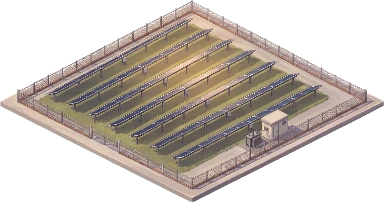
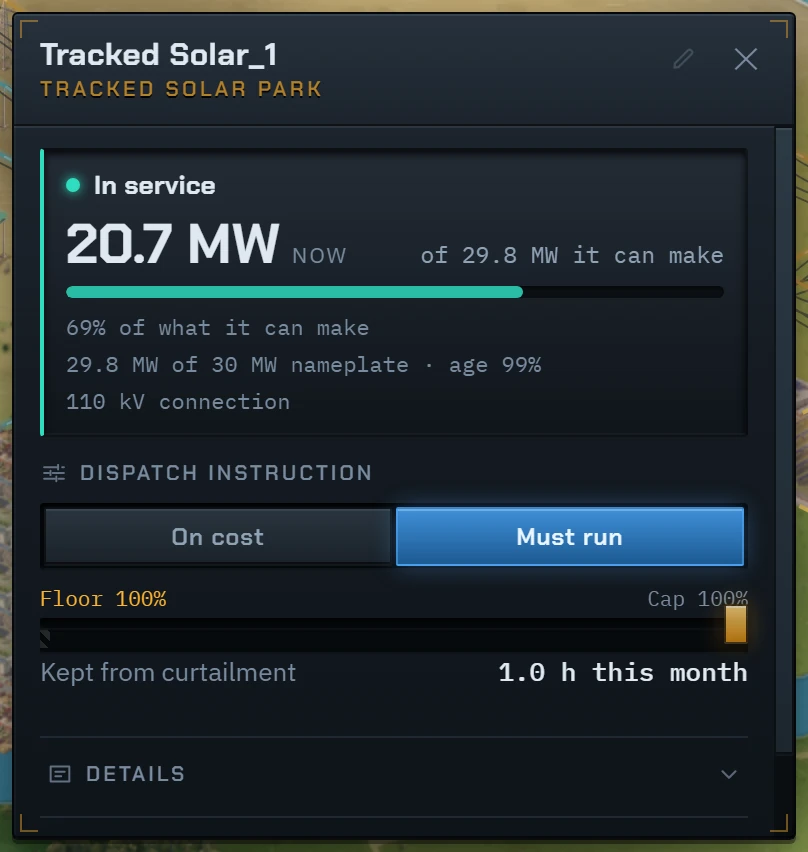
A Tracked Solar Park turns its rows to follow the sun, so each MW makes about 15% more than a fixed park, most of it in the morning and evening.
It pays for that. The rows must stand apart, so the plot a fixed park fills with 45 MW holds 30 MW. It costs about a tenth more per MW, breaks down more often, loses 1% to stuck rows, and lies flat in strong wind.
Biogas, and somewhere to keep gas
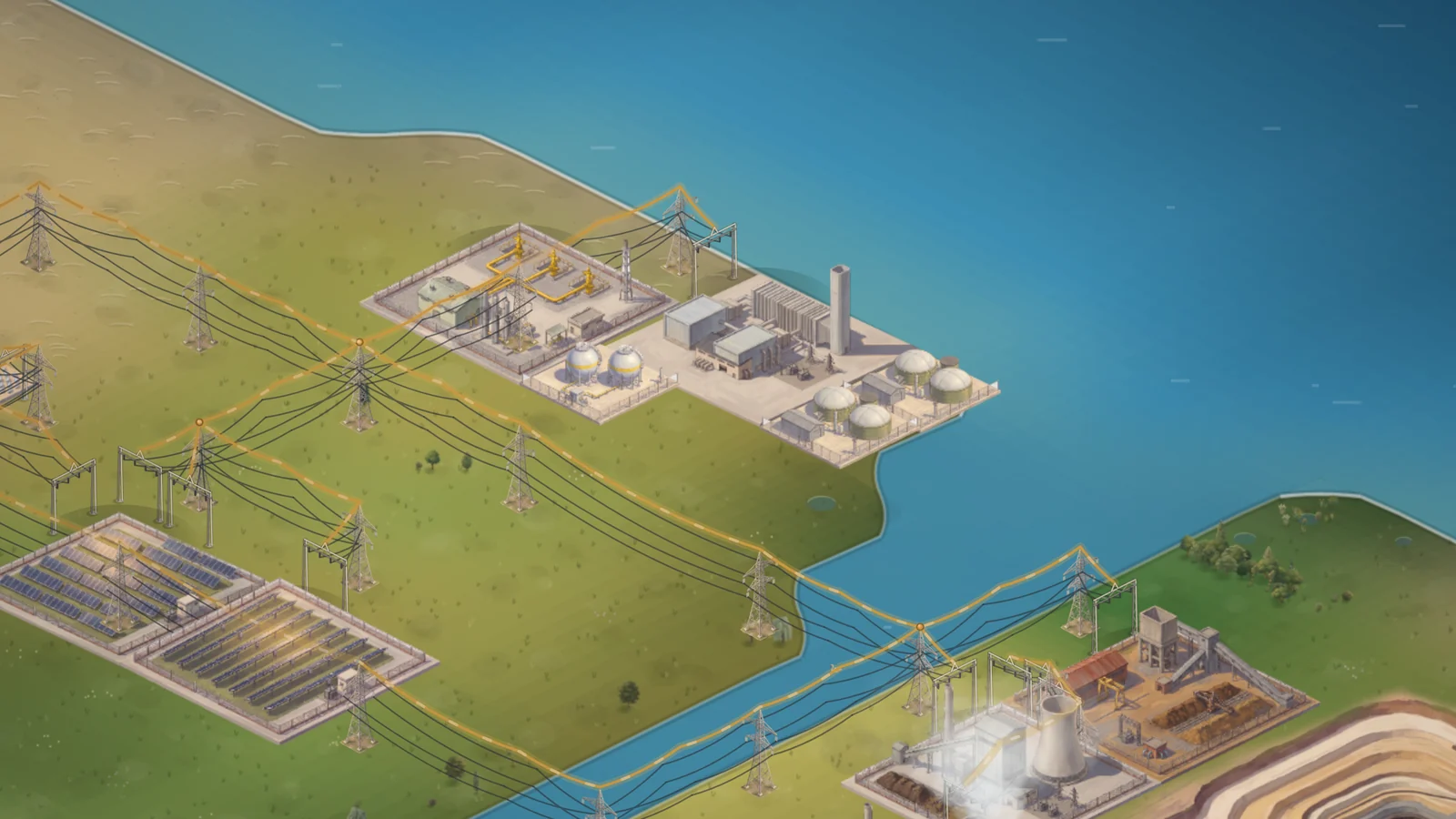
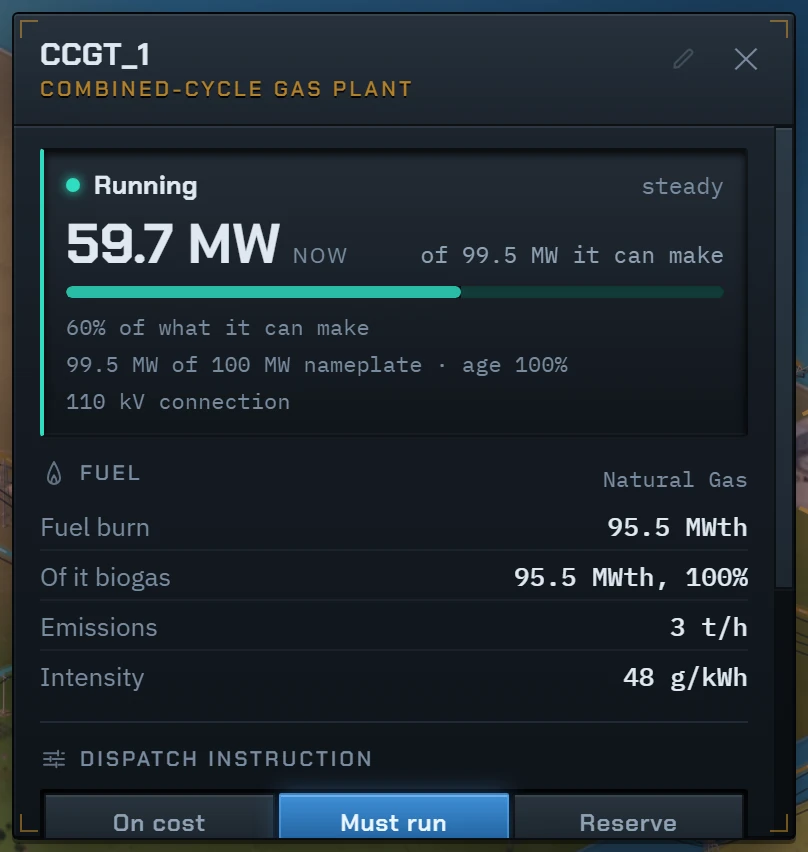
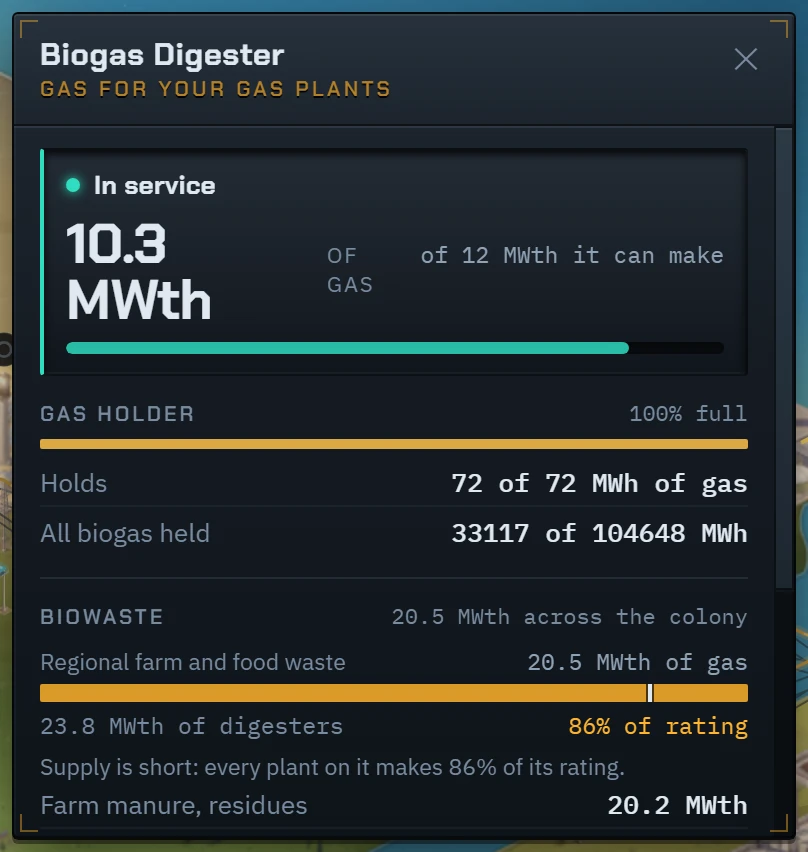
A Biogas Digester turns manure and crop residues from the farmland, and food waste and sewage from the towns, into methane. Your gas plants burn it before they buy natural gas, which cuts their fuel bill and their emissions. All digesters share the waste the map produces.
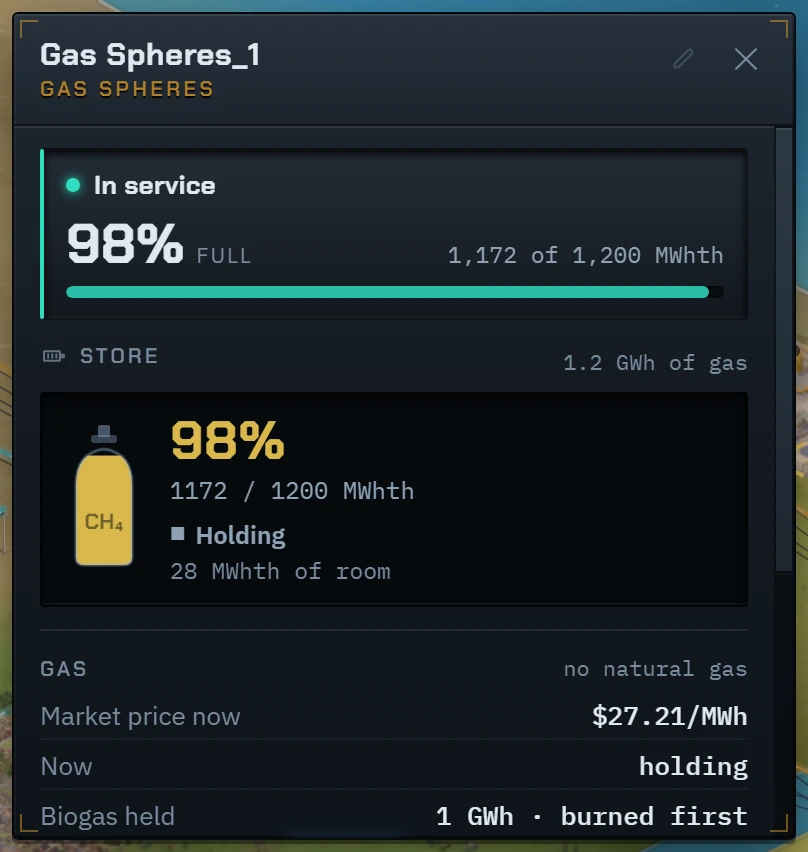
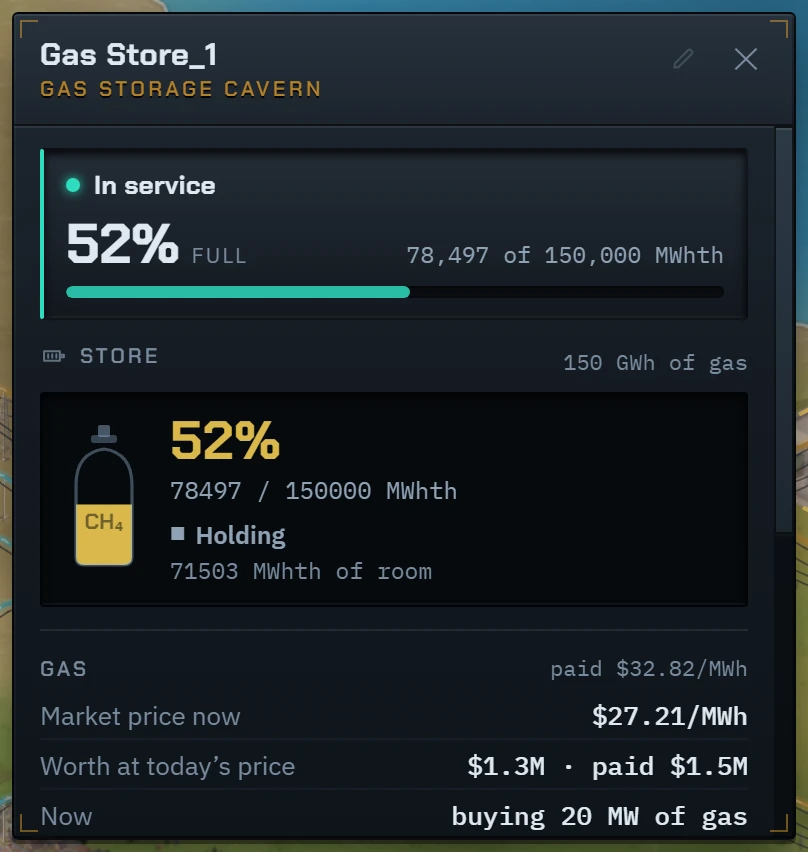
Gas no plant is burning waits in the digester’s dome, then in Gas Spheres, then in a Gas Storage Cavern. The cavern holds 150 GWh of natural gas as well. Buy it by hand, below a price or through the summer, when gas is about 7% cheaper.
- A digester makes up to 12 MW of gas, day and night, and needs no grid connection.
- Gas Spheres hold 1.2 GWh and are built in nine months. A cavern takes three years.
- A gas plant’s card shows how much of its fuel is biogas.
- New development: Anaerobic Digestion.
Everything in 0.9.6
Every change in this update, as it is listed on the changelog.
- Lignite Power Station and Lignite Mine. The mine digs brown coal for every lignite plant within 12 km.
- A Lignite Mine digs its pit beside the works. The pit widens in four stages as the coal is won.
- The mine piles its spoil on a heap to one side, which is planted and turns to forest.
- A Resources tab, last on the build bar, and a Resources map layer for lignite seams, pits and heaps.
- Solar Power Tower: 30 MW with eight hours of hot salt, so it runs into the night. Needs Concentrating Solar Power.
- Tracked Solar Park: rows that follow the sun make about 15% more per MW, but a plot holds 30 MW instead of 45.
- Biogas Digester: makes methane from farm and town waste, and your gas plants burn it before they buy gas.
- Gas Spheres hold 1.2 GWh of gas: biogas when the digesters’ domes are full, natural gas when you order it.
- Gas Storage Cavern holds 150 GWh. Buy gas by hand, below a price or through the summer, and burn it when gas is dear.
- Gas stores can sell their gas to the market, above a price you set or by hand.
- Group units and lines with the Group tool next to Split, or select a unit and press Ctrl+G. Needs Asset Management.
- A group’s card adds up its members’ figures. Click a grouped unit again to open its own card.
- Groups tabs on the build bar and in Assets, where one button repairs or reinforces a whole group.
- Reactors make spent fuel. It costs a disposal levy, casks and yearly storage, and a closed site still costs money.
- The reactor card draws its spent fuel store filling over the reactor’s life, against the room on site.
- Keep playing after the last year of a term. The score stands as it was, and the extra years earn nothing.
- Menu, Tooltips: how long a card waits before it holds, and a key that holds it at once.
- On a phone, Send to my computer shares the game’s link so you can open it on a computer.
- Ctrl+Z (Cmd+Z on a Mac) cancels the last line you ordered while the clock is stopped, with a full refund.
- Menu, Frame rate: the map is drawn about 60 times a second, or choose 30 or every refresh of your screen.
- Your graphics card draws the map, so it stutters less. Menu, Renderer, Standard draws it as before.
- A paused colony is drawn 30 times a second until you move the mouse or the map, which saves power.
- Gas costs about 7% more in winter and 7% less in summer.
- The hydrogen salt cavern holds 40 GWh for $70M, priced from published estimates. It held 12 GWh for $130M.
- Substations of every voltage take the size picker on the build bar once Grid Construction is developed.
- Gas plant cards show how much of their fuel is biogas.
- Biogas digesters show the gas they send on and how full their dome is.
- The electrolyser card says when it is idle because hydrogen storage is full.
- A solar tower keeps some salt back in case of a long overcast spell.
- Cables between neighbouring units, such as a wind farm’s turbines, are now drawn underground.
- Load & Supply time labels no longer jump while the chart scrolls.
- Cards no longer jump in size at high speed.
- Network Load is quieter: thinner bars, figures only on busy circuits from afar, and badges that never overlap.
- A card holds after about one second of rest instead of 0.8 seconds.
- The start screen has one way in on a first visit, Learn to play, and works from the keyboard throughout.
- New colonies get ten free years instead of fifteen. A colony started before keeps its fifteen.
- The free years panel shows par, the Record over the whole term and what the colony still holds.
- Two dams on one river swapped the load every quarter hour. They now share one plan for their water.
- A station on Reserve no longer runs all day as cover. It starts when the load needs it.
- A solar tower no longer spends its salt at noon and leaves the evening short.
- Backup now starts in time after a cloudy day has emptied a solar tower’s tank.
- The daily plan no longer underestimates the evening peak on a network with high losses.
- Batteries and electrolysers set to spare power now take what a full dam or solar tower would spill.
- A cheaper machine with a high minimum load now starts while a dearer one is carrying the load.
- A grid’s imbalance landed on one wind turbine, so its cable read almost full. Dispatchable plants take it first now.
- Offshore wind and the dam paid a building premium for standing in water. They no longer do.
- The pricing page did not say that US and Canadian sales tax is added at checkout.
- The site counted visits before you agreed. It now counts them only after a yes.
- The tour’s top button wrapped onto two lines on a phone.
Play 0.9.6 now
No account and nothing to install. Your run is saved in your browser.