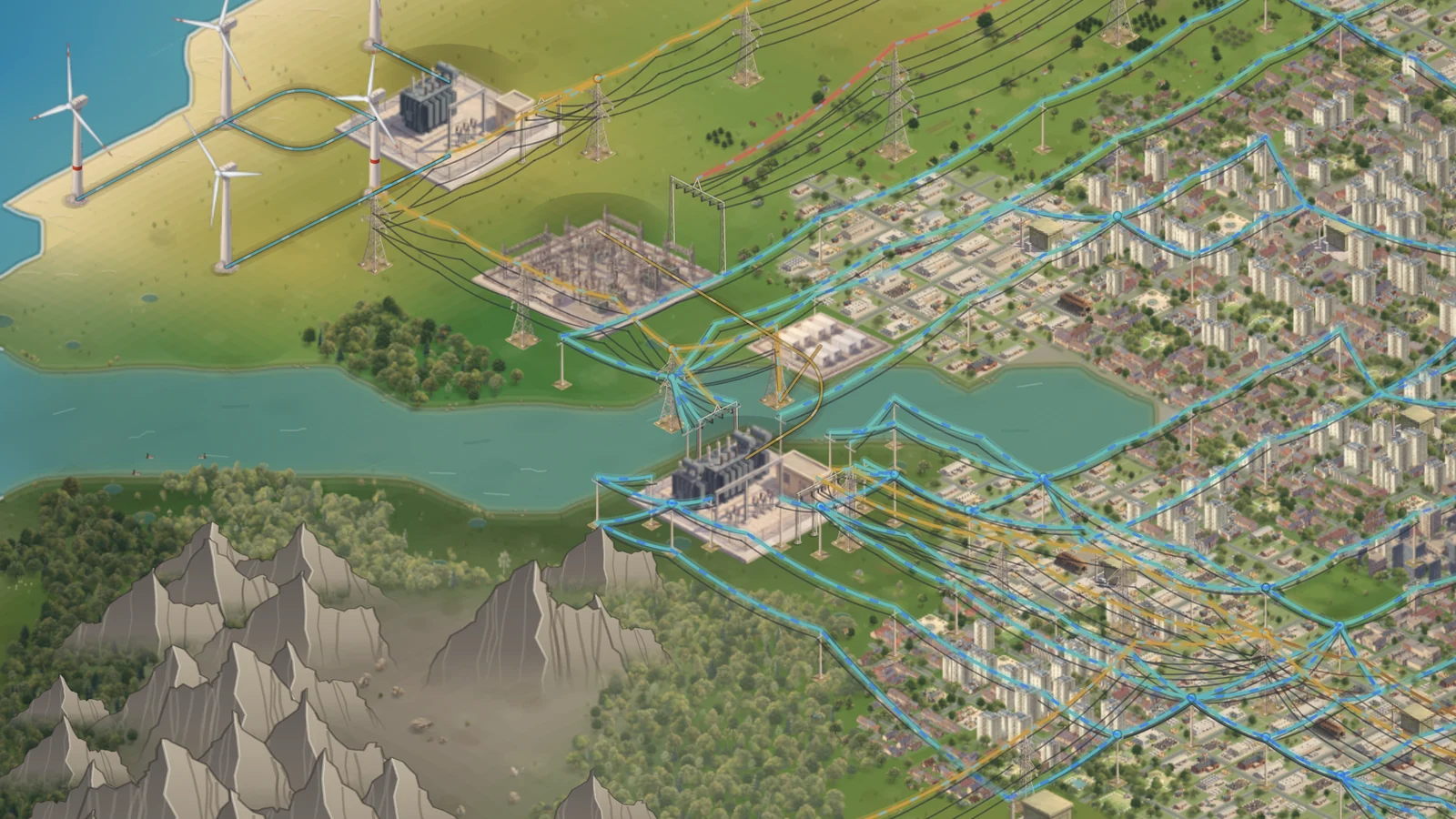
Dynamic Circuit Rating & More
A new development, Dynamic Circuit Rating, rates lines and transformers by the weather. Without it, hot, still air can now trip a line below its rating. A district takes a whole town in one press, and the Local Substation card has its keys at the top.
Dynamic Circuit Rating
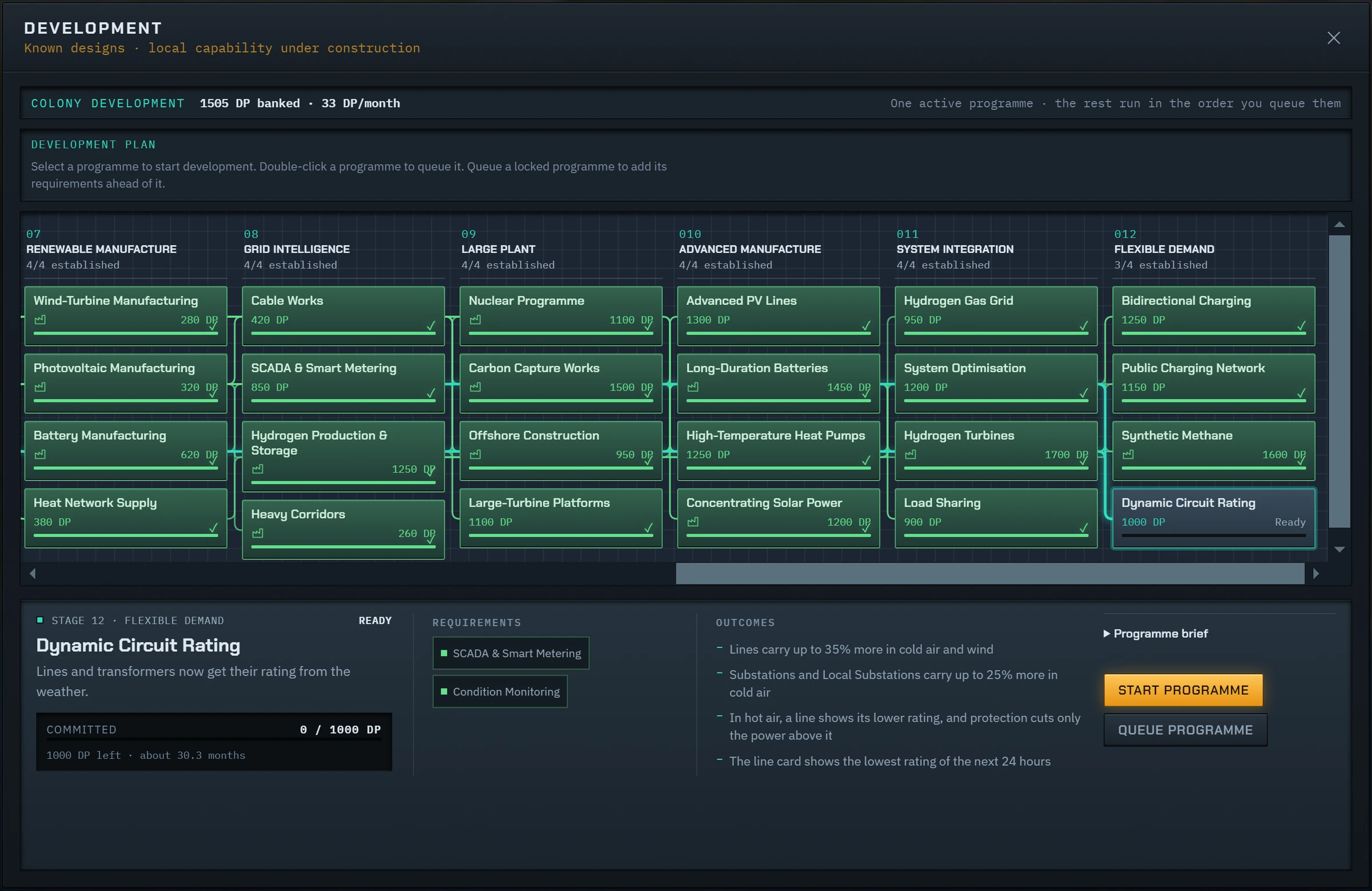
Dynamic Circuit Rating is a new development in Flexible Demand, stage 12. It needs SCADA & Smart Metering and Condition Monitoring, and costs 1,000 points. Sensors then measure the air and the wind, and protection uses the rating of the day.
- A line carries up to 35% more than its static rating in cold air and wind.
- A substation or Local Substation carries up to 25% more in air below 20 °C. It never carries less than its static rating.
- In hot, still air, a line can fall to 70% of its static rating. Protection then cuts only the power above it.
- The Challenge and the Academy keep their rules: no ratings from the weather, and no Dynamic Circuit Rating.
The rating of the day
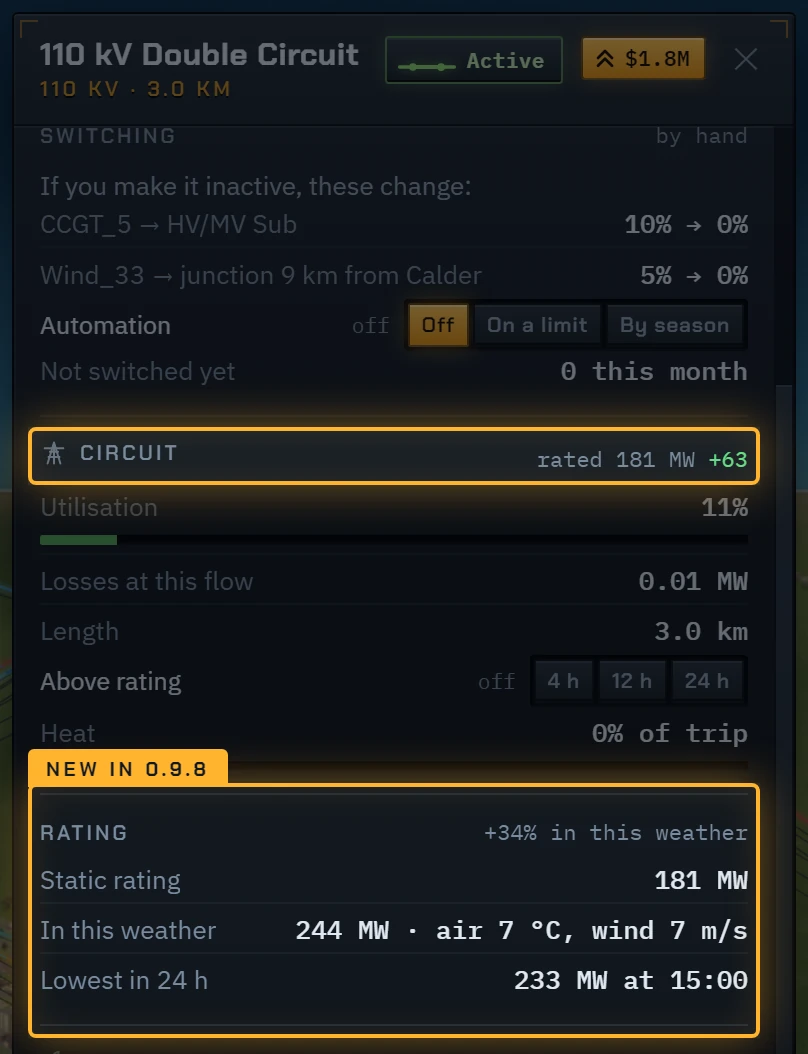
With Dynamic Circuit Rating, a line card shows the static rating in its Circuit block. The change from the weather is beside it, in green or red. The line tooltip on the map shows the same.
A new Rating block shows the rating in this weather, and the lowest rating of the next 24 hours from the forecast. If the line will go above it at its present flow, the card gives the hour.
The weather on the wires
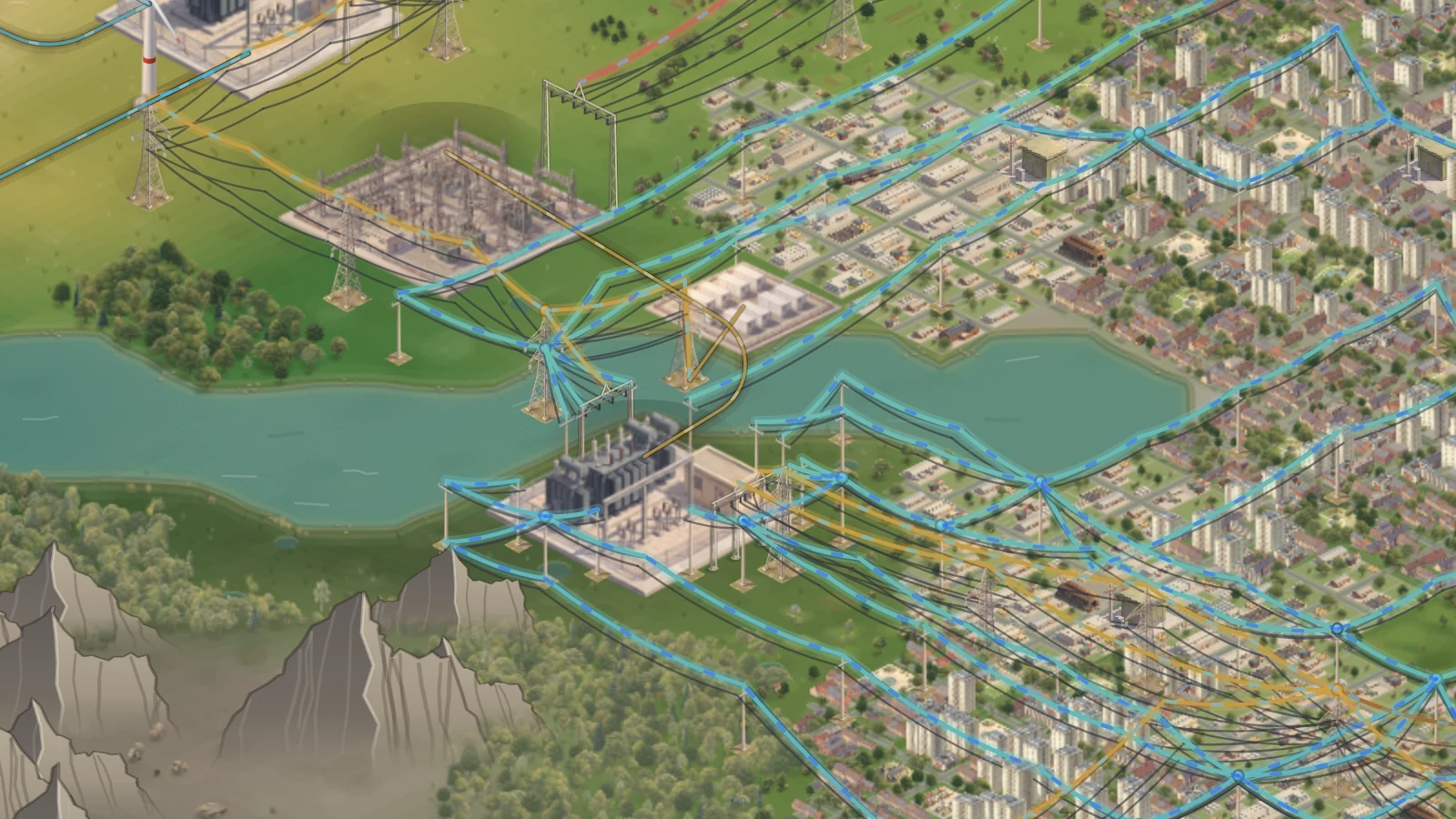
With Dynamic Circuit Rating, the flow marks on the lines take the colour of the weather. They turn blue when the weather increases the rating, and red or orange when it decreases it.
On Network Load, every loading reads against the rating of the day. An amber mark after a loading means that the line goes above its rating within 24 hours at that flow.
A whole town in one press
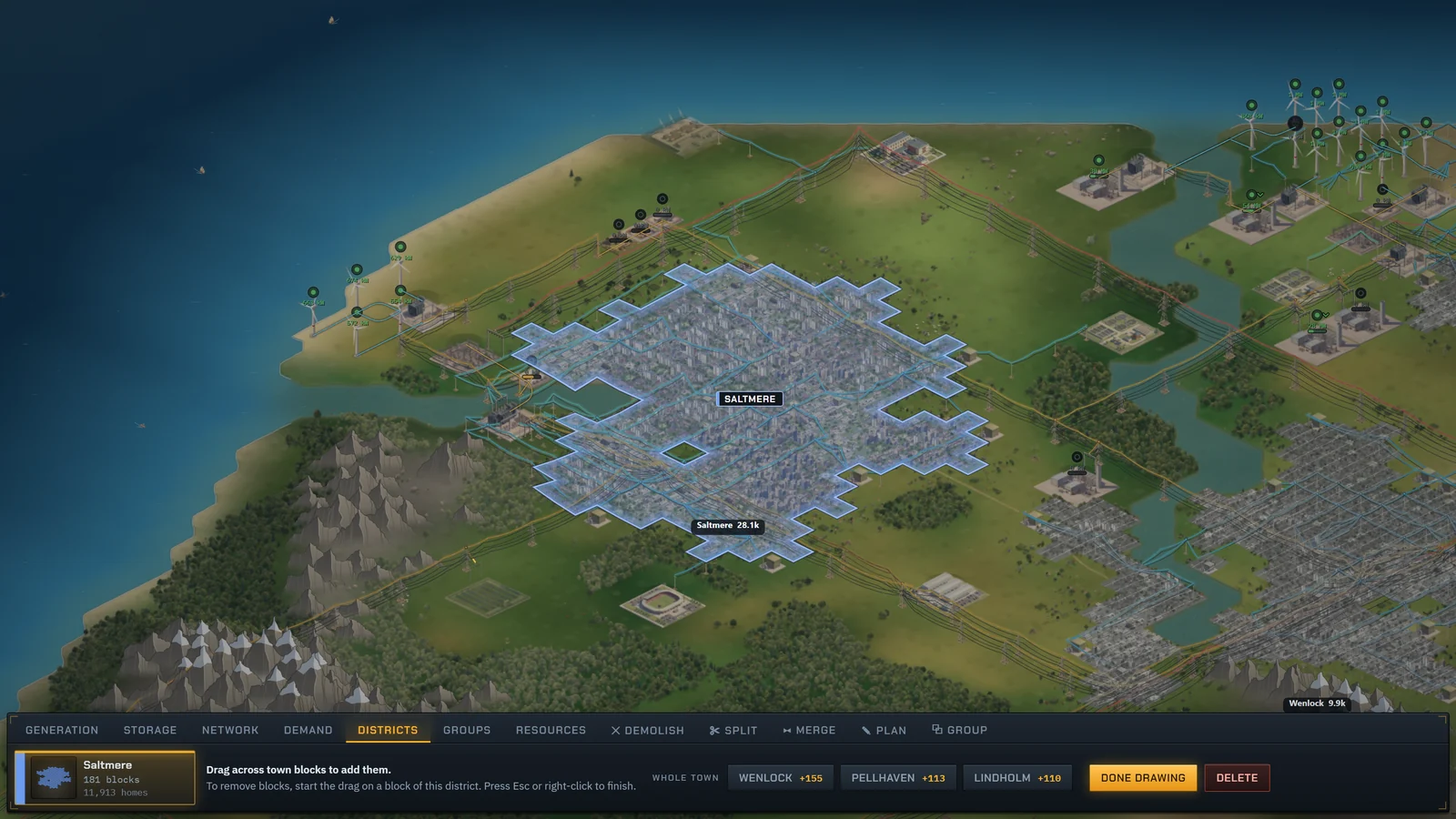
While you draw a district, the build bar shows up to three Whole town keys. Each key adds every block of its town that is in no district, and shows how many blocks that is.
Hold Shift and click a block with the pencil to do the same for the town of that block.
- A Whole town key never takes a block from another district.
- A district with no name takes the name of the town.
- Blocks that the town builds later are in no district. Press the key again to add them.

Street keys at the top of the card
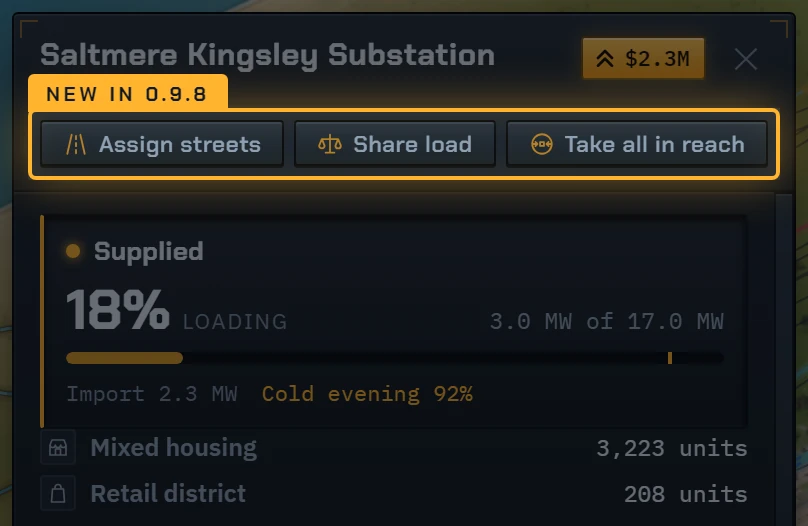
Assign streets, Share load and Take all in reach are now one row of small keys under the name of a Local Substation card. They used to sit at the bottom of the card.
While you assign streets, the first key is lit and reads Done assigning.
Give Powerstate for Christmas
A new page on the site sells the full game as a present. The code comes by email for you to give, and you can print a gift card for it. A gift does not unlock the game in your own browser.
From 15 November to 31 December, the start screen has a Christmas gift link to the page.
Everything in 0.9.8
Every change in this update, as it is listed on the changelog.
- New development, Dynamic Circuit Rating: lines and transformers get their rating from the weather.
- With Dynamic Circuit Rating, a line carries up to 35% more in cold air and wind.
- With Dynamic Circuit Rating, substations and Local Substations carry up to 25% more in cold air.
- With Dynamic Circuit Rating, a line in hot, still air shows its lower rating. Protection cuts only the power above it.
- Without Dynamic Circuit Rating, a line in hot, still air can now get too hot and trip below its rating. The notice gives the air temperature.
- The line card and tooltip show the static rating and the change from the weather in MW. Needs Dynamic Circuit Rating.
- The line card shows the lowest rating of the next 24 hours. Needs Dynamic Circuit Rating.
- If a line will go above its rating within 24 hours at its present flow, its card gives the hour.
- Flow marks on lines turn blue when the weather increases their rating, and red or orange when it decreases it.
- On Network Load, an amber mark after a loading means that the line goes above its rating within 24 hours at that flow.
- Whole town keys on the district tool add every block of a town that is in no district.
- Hold Shift and click a block with the district pencil to add the rest of its town.
- Christmas gift page: give the full game as a present. The code comes by email, with a gift card to print.
- From 15 November to 31 December, the start screen has a Christmas gift link.
- Assign streets, Share load and Take all in reach are now small keys at the top of the Local Substation card.
- A district with no name takes the town’s name when you add the whole town.
- If a town builds on the plot of a heat plant offer, the plant moves to new ground when you sign.
- The Challenge and the Academy keep their rules: no ratings from the weather, and no Dynamic Circuit Rating.
- A new beginning, the old world with a 5 year term, is gone. Colonies started on it continue as Standard.
- A town’s heat plant offer showed its plot and a cable line on the map before you signed it.
- A line built from the end of another line stood on its own tower beside it until it carried power.
- Assign streets, or the choice of a watched circuit, stayed active after you opened another colony.
Play 0.9.8 now
No account and nothing to install. Your run is saved in your browser.